Built for a Two-Hour Session, Not a Two-Minute Ad Break
Getting into a study groove takes a few minutes. Losing it takes one unexpected ad. Most free streaming platforms are built to interrupt you - an ad before a track, an ad mid-stream, a jingle you didn't ask for - and every one of them costs more than the ten seconds it takes to play.
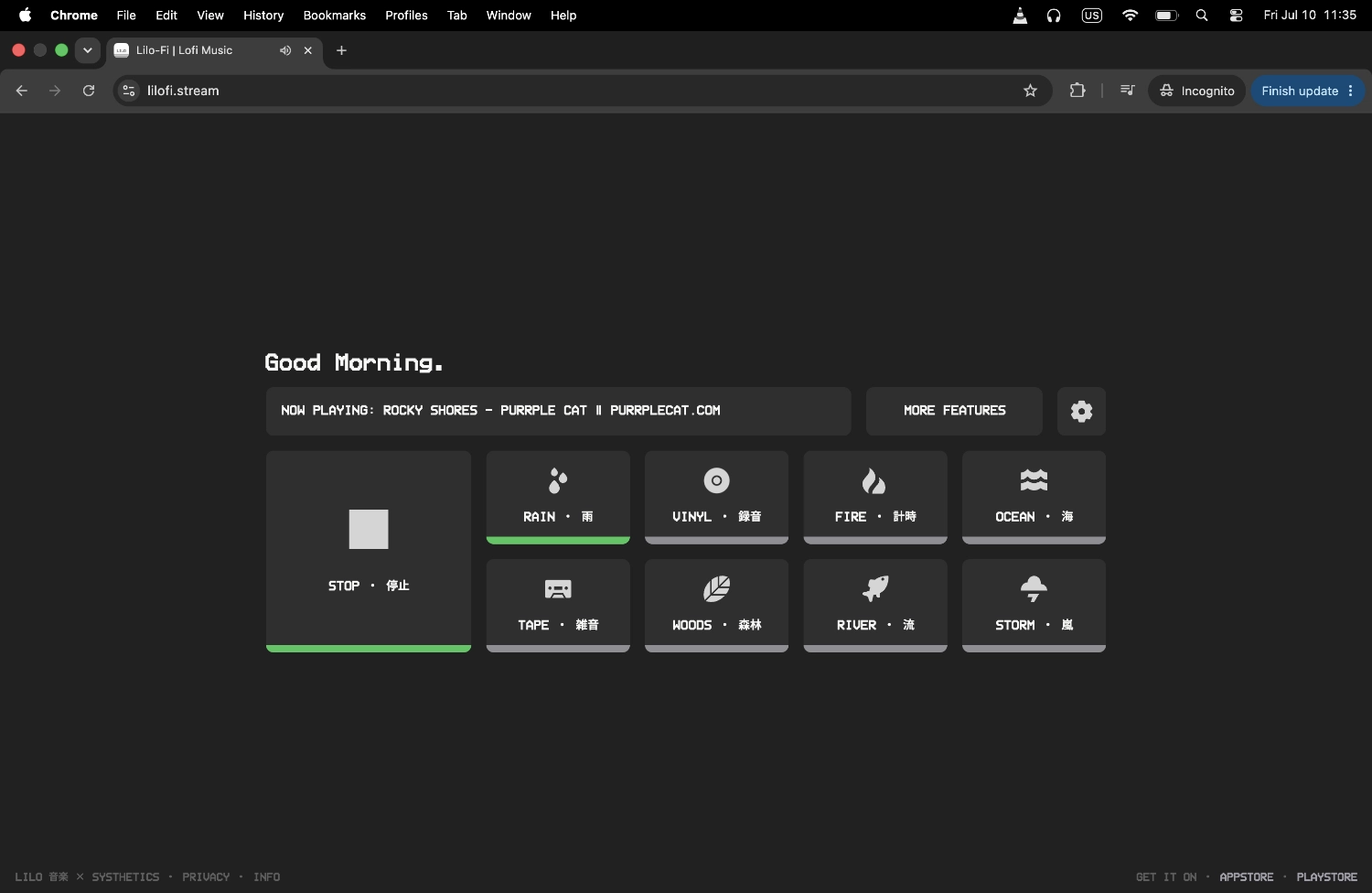
Lilo-Fi skips all of that. There are no ads on this website, and the Lilo-Fi station - our own curated lofi stream - never cuts to a mid-stream ad in the app either. Press play at the start of a session and it keeps running, unbroken, for as long as you need it.
START POMODORO 作業開始 - 25:00
No Account. Works Wherever You're Studying.
Study sessions happen on whatever device is in front of you - a laptop at a library table, a shared computer between classes, your phone propped up while you write. Lilo-Fi doesn't ask you to set anything up first.
Open the page and press play. No login screen, no "create an account to continue," nothing to remember a password for. It works exactly the same on every device, so switching from your dorm desktop to your phone on the walk to class doesn't cost you anything.
Steady Tempo, No Surprises - Built to Disappear Into the Background
The best study music is the kind you stop noticing. Lofi holds a slow, consistent tempo with no dramatic builds, no chorus that suddenly gets louder, and no lyrics pulling your attention toward words instead of your notes. That predictability is a big part of why students reach for it during long reading or writing sessions - it gives your brain something steady to sit alongside instead of something to react to.
Psychologists describe the state of full, effortless concentration on a task as flow - and it's fragile. Anything that grabs attention, even briefly, can pull you back out of it. A continuous, ad-free, lyric-free stream removes most of the common triggers that break that state, which is exactly what a long study block needs.
Some Structure, When You Want It
Sometimes you just want to press play and go. Other times - cramming for finals, working through a problem set, writing a paper against a deadline - it helps to break the session into chunks instead of staring at the clock.
The Lilo app has a Pomodoro-style timer built in for exactly that, plus Zen Mode, which strips the interface down to nothing so the app itself doesn't become one more tab pulling your focus. For late-night sessions, a sleep timer fades the music out on its own instead of playing all night after you've dozed off over your notes.
Other Ways to Use Lilo-Fi
Pomodoro timer
Break a study block into timed work/rest intervals right inside the player, instead of watching the clock yourself.
Ambient sound layering
Layer in soft rain or vinyl crackle if the library, dorm, or coffee shop around you needs a bit more noise masking.
Classroom lofi
Running a study hall, tutoring session, or review class for a group instead of studying solo? This page is built for that.
Ad-free lofi player
The same no-interruption stream this page relies on, framed for anyone who just wants uninterrupted lofi.
Frequently Asked Questions
Built for finals week too.
Still free. Still no ads.
The Lilo app carries over everything the web player offers and adds the parts a long study session actually needs. The Lilo-Fi station still plays ad-free, mid-stream. No account still required. Still free to download.
What you gain: a Pomodoro timer you can set to your own work/break rhythm, Zen Mode for a distraction-free screen during a deep-focus block, and a sleep timer that fades out on its own during a late cram session. Animated pixel art visuals built around vintage cassette decks and retro radios. And extra genre stations - jazz, ambient, synthwave, and more - for the study breaks in between.
Get started in under a minute. No card, no trial, no catch.