The Only Thing Worse Than a Bad Meeting Is an Ad During One
Background music running during a client call or a screen share is fine, right up until an ad cuts in - a jingle, a sudden volume jump, something you didn't choose and now everyone on the call can hear. Most free platforms can't guarantee that won't happen.
Lilo-Fi can. There are no ads on this website, and the Lilo-Fi station - our own curated lofi stream - never inserts a mid-stream ad in the app either. Whatever's playing when you join the call is what keeps playing.
START POMODORO 作業開始 - 25:00
Built to Run All Day, Not Just One Session
A short playlist starts to grate by lunchtime. The Lilo-Fi stream is a continuous, curated rotation rather than a loop you'll notice repeating, and it keeps a consistent tempo and mood throughout - no dramatic shifts pulling focus away from what's on your screen. Open it once in the morning and it can run in the background across every tab, tool, and window for the rest of the day, the same way any other background audio would.
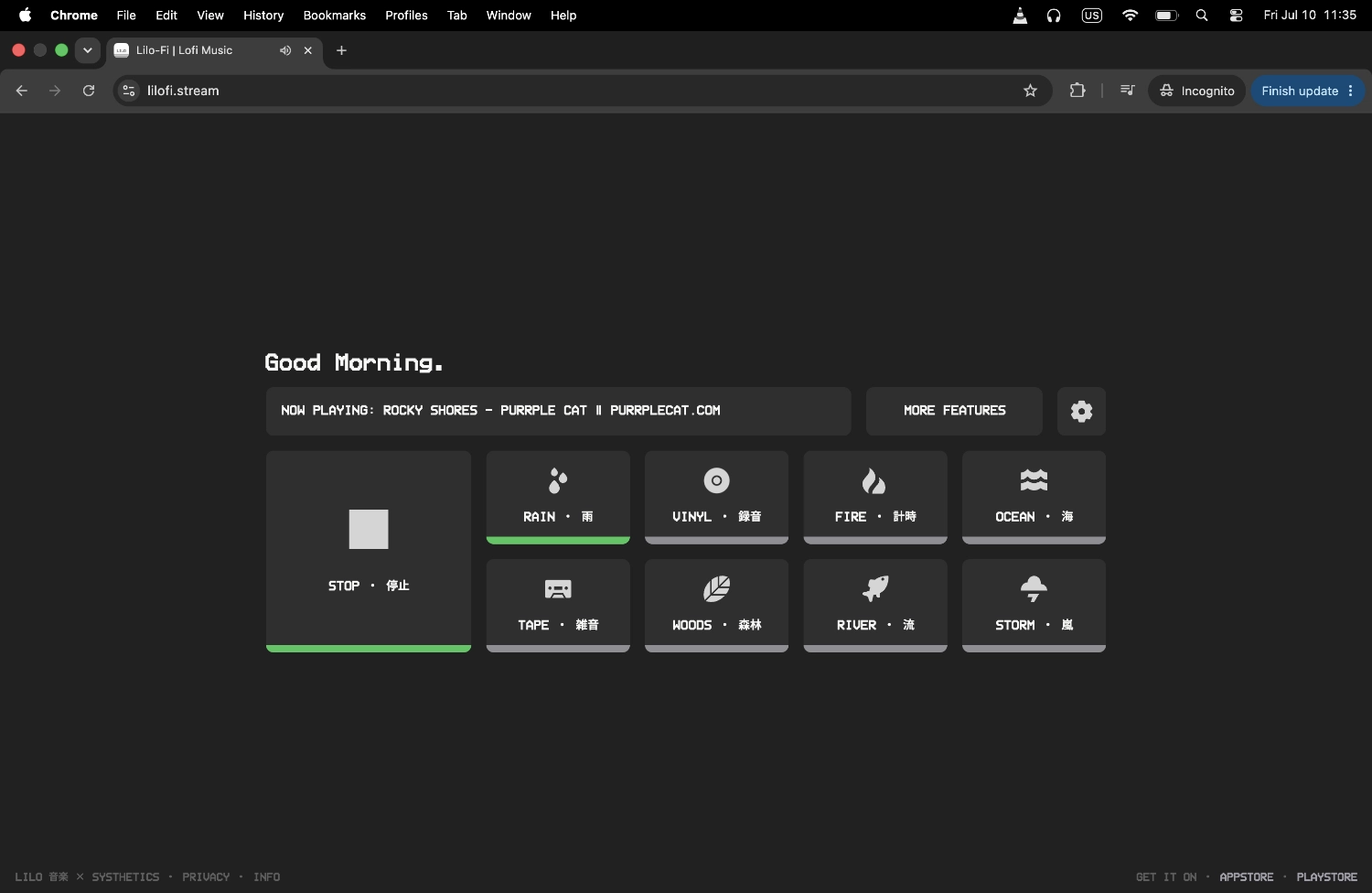
For Open Offices, Headphones, and Everything In Between
A shared desk in an open office or a busy coworking space comes with noise you don't control - conversations, a phone ringing two seats over, chairs scraping. A steady, lyric-free stream through headphones gives your attention something consistent to sit with instead. If the room is loud enough that music alone isn't quite enough, layering in an ambient sound like rain or river underneath can help cover the rest without adding anything distracting of its own.
Deep Work Needs Fewer Interruptions, Not More Motivation
The idea behind deep work is protecting long, uninterrupted stretches of focused effort - and the biggest threat to that is rarely a lack of motivation, it's interruption. An ad cutting into your background music is a small thing on its own, but it's one more avoidable break in concentration during a block of time you set aside specifically to avoid them.
If you like to structure those blocks rather than work open-ended, the Lilo app's Pomodoro-style timer can space focused work around your meeting schedule instead of losing track of time between calls.
Other Ways to Use Lilo-Fi
Pomodoro timer
Space deep work blocks around your meeting schedule instead of losing track of time between calls.
Ambient sound layering
Layer in rain or river underneath the stream if an open office or a shared coworking space needs a bit more noise masking.
Ad-free lofi player
The same no-interruption guarantee this page relies on, for anyone who wants it outside of work hours too.
Frequently Asked Questions
Built for the whole workday too.
Still free. Still no ads.
The Lilo app carries over everything the web player offers and adds a few things a workday actually benefits from. The stream still plays ad-free, mid-track. No account still required. Still free to download.
What you gain: a Pomodoro timer for spacing deep work blocks around your schedule, Zen Mode for a clean, distraction-free screen if you're sharing it on a call, and additional genre stations - jazz, ambient, synthwave - for when lofi isn't the right mood for the task in front of you. Animated pixel art visuals built around vintage cassette decks and retro radios.
Get started in under a minute. No card, no trial, no catch.